Recommended template for this guide
Start with a ready Excel label template
If you came here to print labels from a spreadsheet, this is the fastest general-purpose starting point.
- General Excel label workflow
- Ready for address-style rows
- Good first template for new users
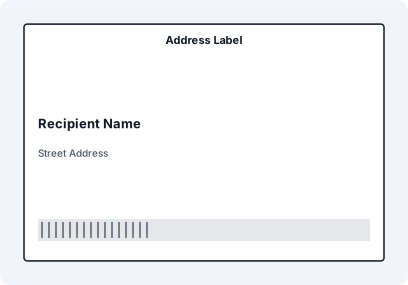
Start Here: Printing Labels from Excel
Printing labels from Excel requires more than formatting cells. You need a structured workflow that maps data to label layouts, handles barcodes, and ensures accurate printing across different devices.
Looking for the full guide on all methods?
Printing Workflows by Use Case
Business & Inventory
Product & Inventory Labels
Use Excel as a practical inventory labeling system for products, shelves, and bins.
Shipping Labels
Turn order sheets and shipping manifests into ready-to-print fulfillment labels.
Serialized Labels
Combine spreadsheet data with sequential numbering for traceability and control.
Hardware & Printers
Thermal Printers
Fix alignment issues and print correctly on Zebra, Brother, DYMO, and other thermal devices.
Zebra Printers
Use Excel with Zebra printers without building a code-heavy ZPL workflow.
Brother / DYMO
One structured workflow for common desktop thermal printers and office labeling.
Advanced Label Types
QR Code Labels
Create dynamic QR labels for tracking, marketing, and mobile-first workflows.
EAN / Code128 / QR
Choose the right code type and generate accurate label output from spreadsheet data.
ISO Safety Labels
Print compliant safety labels using structured Excel data and standard symbol workflows.