4x6 parcel and carton labels
Prepare recipient, sender, route, reference, SKU, weight, tracking, and carton sequence fields in a layout suitable for common desktop thermal printers and fulfillment stations.
When shipping data starts in Excel, CSV, ERP exports, ecommerce exports, or carrier reports, LabelFlow Pro helps turn that data into printable 4x6 labels, return labels, carton labels, pallet labels, and internal routing labels with QR codes, barcodes, and carton or pallet counters.
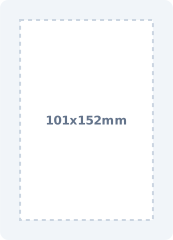
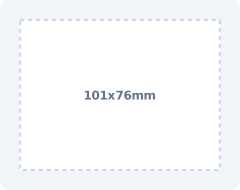
Shipping searches are often very specific: people want labels from Excel, thermal printer output, batch printing, and sometimes a shipping label template with QR and barcode on the same layout.
Prepare recipient, sender, route, reference, SKU, weight, tracking, and carton sequence fields in a layout suitable for common desktop thermal printers and fulfillment stations.
Add a Code 128 tracking barcode for scanners and a QR code for longer links such as order lookup, return authorization, packing instructions, or delivery notes.
Create reusable layouts for return labels, pallet routing, fragile handling, hazmat warnings, cold chain labels, and internal dispatch labels. Formula aliases such as CARTON_NO, CARTON_TOTAL, PALLET_NO, and PALLET_TOTAL help keep multi-piece shipments clear.
LabelFlow Pro is not a postage-buying service; it is for building and printing reliable labels from the shipping data you already have.
Use Excel, CSV, or an exported order/shipment file with recipient, address, order, tracking, SKU, service, weight, and route columns.
Start with a 4x6 thermal label, QR plus barcode template, return label, pallet label, or carton label depending on the job.
Connect spreadsheet columns to address blocks, reference text, Code 128 tracking barcodes, QR lookup links, and handling instructions.
Send the finished labels to a thermal printer or sheet printer, then reuse the same layout for the next shipment export. Dry-run formulas before printing labels such as Carton 1 of 10 or Pallet 2 of 4.
The template links below support the long-tail queries already appearing in Search Console, including bulk shipping labels and shipping labels with QR plus barcode.
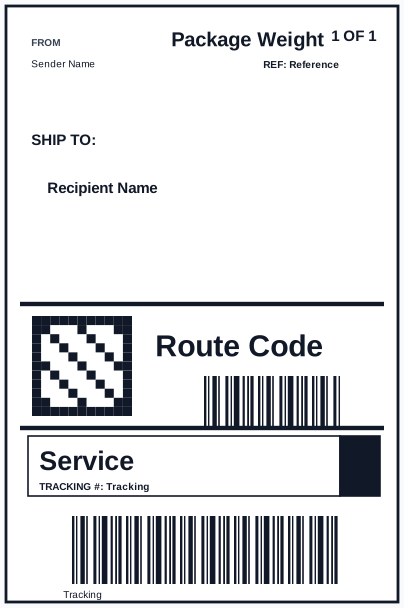
Professional 4x6 shipping label layout with recipient address, route code, QR lookup link, and Code 128 tracking barcode mapped from Excel.
4x6 parcel label with sender, recipient, reference, route, QR tracking lookup, and Code 128 tracking barcode.
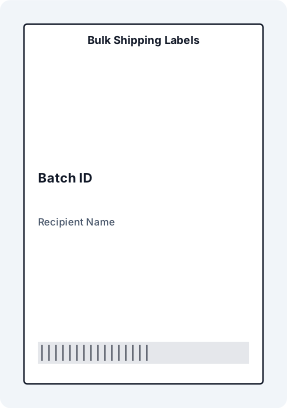
Bulk Shipping Labels with matched XLSX sample data, mapped JSON fields, SVG preview, and print-ready dimensions.
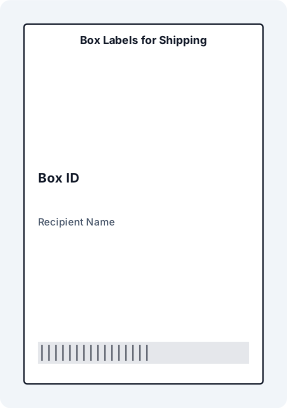
Box Labels for Shipping with matched XLSX sample data, mapped JSON fields, SVG preview, and print-ready dimensions.
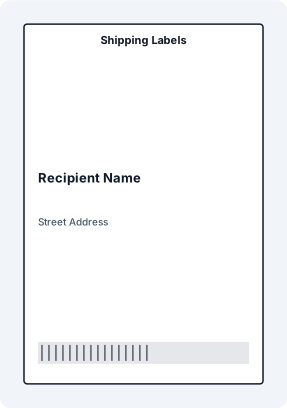
Shipping Labels with matched XLSX sample data, mapped JSON fields, SVG preview, and print-ready dimensions.
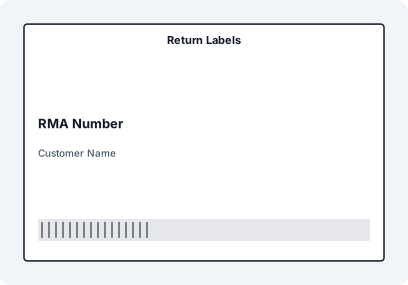
Return Labels with matched XLSX sample data, mapped JSON fields, SVG preview, and print-ready dimensions.
Return label with RMA number, customer, return address, order number, reason, QR lookup, and Code 128 barcode.
Pallet routing label with destination, carrier, weight, carton count, SSCC-style GS1-128 barcode, and QR lookup.
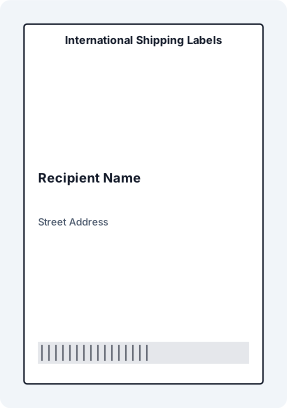
International Shipping Labels with matched XLSX sample data, mapped JSON fields, SVG preview, and print-ready dimensions.
High-contrast fragile handling label with item description, handling message, order reference, and barcode.
Hazmat warning label with hazard class, UN number, material name, emergency contact, reference, and QR SDS link.
Cold-chain handling label with product, temperature range, pack date, expiry, QR lookup, and DataMatrix batch code.
| Label job | Useful data fields | Code options | Common format |
|---|---|---|---|
| Standard 4x6 shipping label | Recipient, sender, order, route, tracking, service | Code 128 tracking barcode and QR lookup | 4x6 thermal |
| Return label | RMA, customer, order, return reason, return address | Barcode for RMA or order, QR for return portal | 4x6 thermal or sheet |
| Pallet label | Pallet ID, destination, carton count, weight, carrier | GS1-128-style or Code 128 plus QR | A5, 4x6, or 148x105 mm |
| Handling label | Warning, item, order, temperature, hazard class | QR for SDS or handling instruction when needed | Large thermal or sheet label |
The page now clarifies what LabelFlow Pro does and does not do. That is safer for conversion: it attracts people who need label printing from data, while avoiding confusion with carrier postage systems.
Yes. Use a template with a Code 128 tracking barcode plus a QR code for a lookup URL, return page, order record, or delivery note. Both code types can be mapped from Excel or CSV fields.
Yes. Import an Excel file with address, order, tracking, and routing columns, then map those fields to a reusable shipping label layout.
No. LabelFlow Pro is label design and batch printing software. If a carrier generates official labels, you can still use LabelFlow Pro for internal shipping labels, returns, carton IDs, packing labels, and workflows based on carrier or order exports.
The layouts are suitable for common 4x6 thermal workflows, including Zebra, Rollo, DYMO, Brother, and similar printers, as well as standard sheet printers when you use sheet layouts.
Yes. The workflow is built around row-based data, so a spreadsheet with hundreds of shipments can produce hundreds of labels without manually copying each address.