Batch, lot, and product labels
Create labels with SKU, part number, description, batch ID, lot number, production date, expiry date, operator, line references, and Formula Builder counters for boxes, packs, cartons, or pallets.
Production labeling gets messy when every SKU, lot, shift, or work order needs a slightly different label. LabelFlow Pro turns manufacturing spreadsheets into repeatable label runs for product IDs, batches, serials, QC status, work orders, calibration, and rejected material.
Manufacturing pages need concrete examples because the buyer is usually solving a specific labeling failure on the production floor.
Create labels with SKU, part number, description, batch ID, lot number, production date, expiry date, operator, line references, and Formula Builder counters for boxes, packs, cartons, or pallets.
Generate sequential labels or import a serial list from Excel. Add Code 128, QR, or DataMatrix codes so finished goods, components, and assets can be scanned reliably.
Print quality control labels, inspection labels, in-process labels, calibration labels, and rejected material labels with status, date, inspector, and disposition fields.
The goal is to keep the label design stable while the production data changes every batch.
Use an Excel or CSV file with part number, lot, batch, serial, work order, date, operator, QC status, and quantity columns.
Start from a work order, product, QC, lot, serial, calibration, or rejected material label template and adjust the size for the printer station.
Map each column to visible fields, formulas, barcodes, QR codes, or DataMatrix elements. Keep critical data large enough to read after printing and dry-run copy-counter text before production.
Reuse the template for future batches so operators only change the data file, not the label design.
These templates cover the core production scenarios people actually search for before choosing label software.
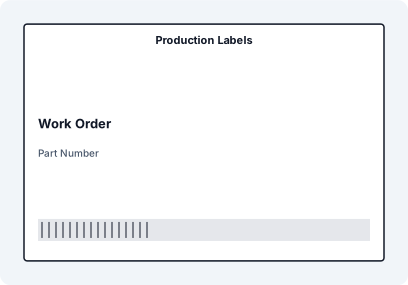
Production Labels with matched XLSX sample data, mapped JSON fields, SVG preview, and print-ready dimensions.
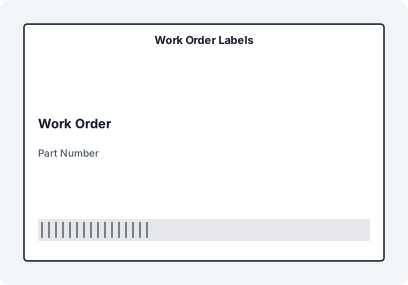
Work Order Labels with matched XLSX sample data, mapped JSON fields, SVG preview, and print-ready dimensions.
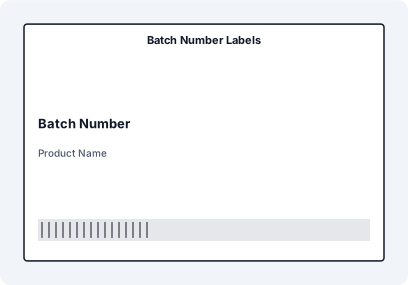
Batch Number Labels with matched XLSX sample data, mapped JSON fields, SVG preview, and print-ready dimensions.
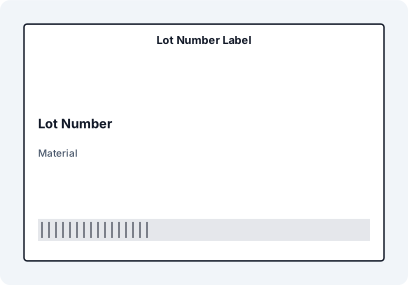
Lot Number Label with matched XLSX sample data, mapped JSON fields, SVG preview, and print-ready dimensions.
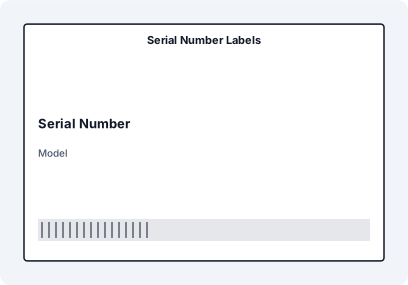
Serial Number Labels with matched XLSX sample data, mapped JSON fields, SVG preview, and print-ready dimensions.
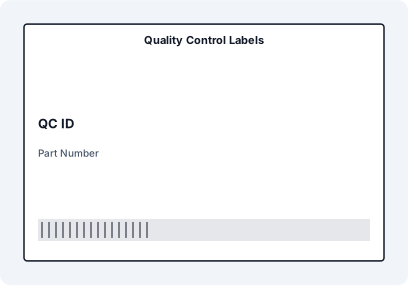
Quality Control Labels with matched XLSX sample data, mapped JSON fields, SVG preview, and print-ready dimensions.
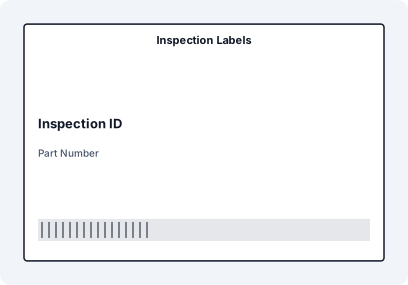
Inspection Labels with matched XLSX sample data, mapped JSON fields, SVG preview, and print-ready dimensions.
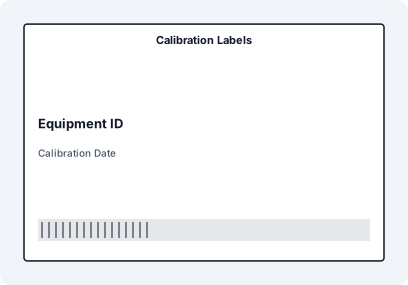
Calibration Labels with matched XLSX sample data, mapped JSON fields, SVG preview, and print-ready dimensions.
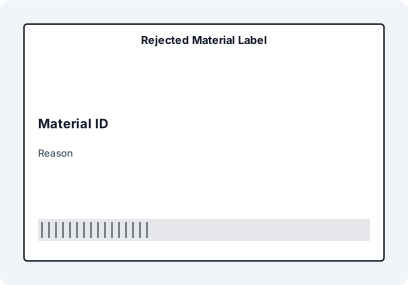
Rejected Material Label with matched XLSX sample data, mapped JSON fields, SVG preview, and print-ready dimensions.
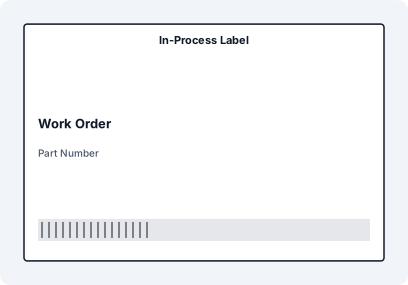
In-Process Label with matched XLSX sample data, mapped JSON fields, SVG preview, and print-ready dimensions.
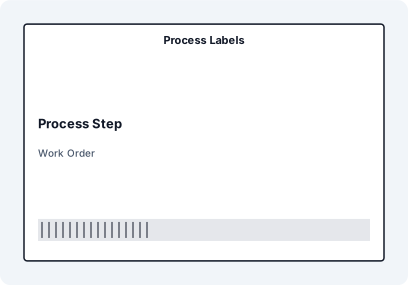
Process Labels with matched XLSX sample data, mapped JSON fields, SVG preview, and print-ready dimensions.
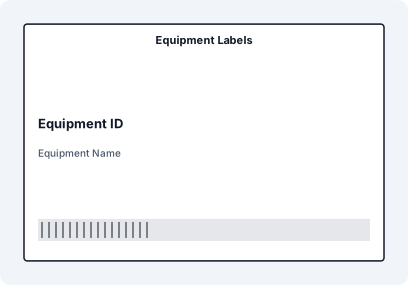
Equipment Labels with matched XLSX sample data, mapped JSON fields, SVG preview, and print-ready dimensions.
| Label job | Useful data fields | Code options | Common format |
|---|---|---|---|
| Batch and lot labels | SKU, batch, lot, production date, expiry, quantity, pack or carton count | Code 128, QR, DataMatrix | 76x50 mm, 4x2, or product-specific |
| Serial labels | Serial number, model, asset ID, production line | Code 128 for serials, QR for lookup links | Small thermal or durable asset label |
| QC labels | Inspection status, inspector, date, sample ID, disposition | QR for inspection record, barcode for sample ID | Thermal station label or sheet label |
| Work order labels | Work order, part, operation, due date, priority | Barcode for work order or operation ID | 4x6, 76x50 mm, or routing tag |
For manufacturing SEO, the page now speaks to traceability, production control, and QC workflows instead of only saying "batch label printing". That makes it more useful for both human evaluators and AI summaries.
Yes. Import an Excel file with batch, lot, SKU, date, and quantity columns, then map those fields to a reusable label template. Each row can become one or more labels depending on your production quantity.
Yes. Formula Builder can use BOX_NO/BOX_TOTAL or dynamic aliases from copy columns such as PACK_NO/PACK_TOTAL, CARTON_NO/CARTON_TOTAL, and PALLET_NO/PALLET_TOTAL.
Yes. You can import existing serial numbers or prepare sequential serial data and map each serial to text, barcodes, and QR codes.
Yes. QC labels can include status, inspector, inspection date, sample ID, disposition, and a QR link to a record or checklist.
The app is designed around local-first processing in the browser, so production spreadsheets can be handled without sending every row to an external labeling service.
Yes. Save the layout once, then import a new batch or work order file for the next production run. The data changes, but the label structure stays consistent.