Inventory label solution

Inventory Label Software for Asset, SKU, QR and Barcode Labels

Inventory labels need to be readable, scannable, and consistent across stock rooms, warehouses, retail shelves, assets, and audit projects. LabelFlow Pro turns inventory spreadsheets into labels with SKUs, stock locations, quantities, barcodes, QR links, asset IDs, and batch counters for packs, cartons, or audit sets.

SKU and item labels Asset tags Inventory audits QR and barcode labels

Built around real inventory label label jobs

Inventory pages should cover both stock labeling and asset labeling because people often start with a spreadsheet and need a fast way to make everything scan-ready.

SKU, item, and stock labels

Print SKU, item ID, product description, bin, reorder point, quantity, and lot fields from Excel or CSV. Use Formula Builder for count text such as Pack 1 of 10 while keeping stock labels consistent across locations and audit cycles.

Asset tags and equipment labels

Create durable-looking asset labels with asset ID, owner, department, service date, QR lookup link, DataMatrix code, and human-readable text.

Inventory audits and relabeling

Use audit spreadsheets to print temporary count labels, correction labels, stock location updates, or relabeling batches for items that need a clean scan value. Dynamic copy columns can expose aliases like PACK_NO and PACK_TOTAL for repeatable batch text.

A practical workflow from spreadsheet to printed labels

The best inventory workflow is data-first: clean spreadsheet columns, one reusable template, and predictable barcode output.

Clean the stock list

Prepare columns such as SKU, item ID, description, location, bin, lot, quantity, asset ID, department, or lookup URL.

Open a matching template

Choose an inventory, asset, QR inventory, barcode inventory, stock location, shelf, or item ID template that fits the label size.

Map fields to labels

Bind each column to text, formulas, barcode, QR, or DataMatrix elements. Keep primary IDs large and scanner codes quiet enough to print cleanly.

Print and audit

Print the batch, scan test a few labels, then keep the template for the next stock import, audit, or asset rollout.

Inventory and asset templates for this page

These are the exact template pages that make the inventory solution useful beyond a generic product pitch.

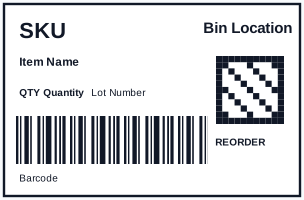
Inventory Label with QR and Code128 Template for Excel preview

Inventory Label with QR and Code128 Template for Excel

Warehouse inventory label with bold SKU, bin location, Code 128 scan value, QR reorder link, lot number, and quantity fields mapped from Excel.

Inventory Labels Template for Excel preview

Inventory Labels Template for Excel

Inventory Labels with matched XLSX sample data, mapped JSON fields, SVG preview, and print-ready dimensions.

Barcode Inventory Labels Template for Excel preview

Barcode Inventory Labels Template for Excel

Barcode Inventory Labels with matched XLSX sample data, mapped JSON fields, SVG preview, and print-ready dimensions.

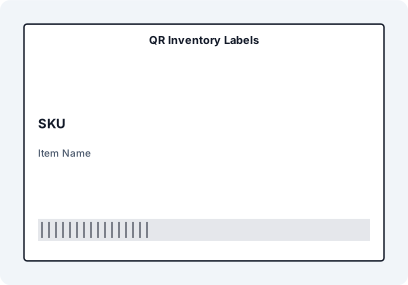
QR Inventory Labels Template for Excel preview

QR Inventory Labels Template for Excel

QR Inventory Labels with matched XLSX sample data, mapped JSON fields, SVG preview, and print-ready dimensions.

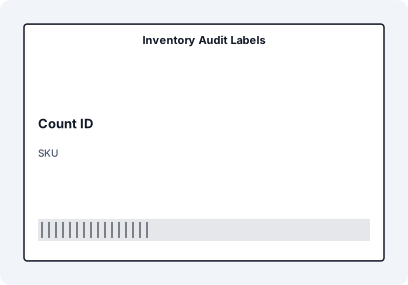
Inventory Audit Labels Template for Excel preview

Inventory Audit Labels Template for Excel

Inventory Audit Labels with matched XLSX sample data, mapped JSON fields, SVG preview, and print-ready dimensions.

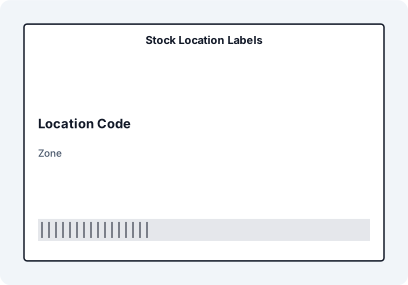
Stock Location Labels Template for Excel preview

Stock Location Labels Template for Excel

Stock Location Labels with matched XLSX sample data, mapped JSON fields, SVG preview, and print-ready dimensions.

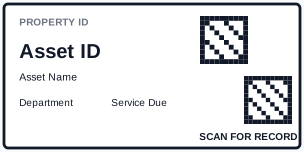
Asset Label with DataMatrix and QR Template for Excel preview

Asset Label with DataMatrix and QR Template for Excel

Durable asset label layout with DataMatrix ID, QR asset URL, department, service due date, and human-readable asset fields mapped from Excel.

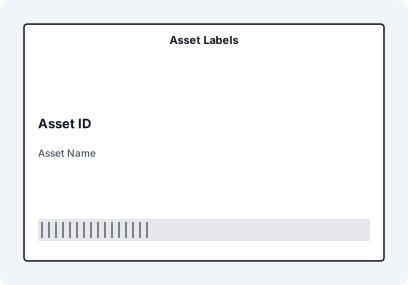
Asset Labels Template for Excel preview

Asset Labels Template for Excel

Asset Labels with matched XLSX sample data, mapped JSON fields, SVG preview, and print-ready dimensions.

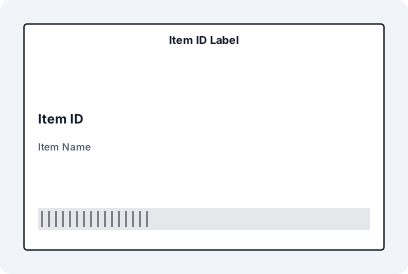
Item ID Label Template for Excel preview

Item ID Label Template for Excel

Item ID Label with matched XLSX sample data, mapped JSON fields, SVG preview, and print-ready dimensions.

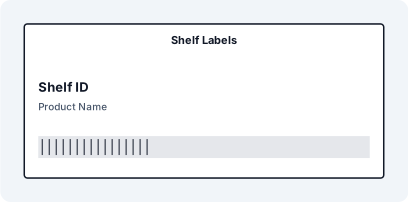
Shelf Labels Template for Excel preview

Shelf Labels Template for Excel

Shelf Labels with matched XLSX sample data, mapped JSON fields, SVG preview, and print-ready dimensions.

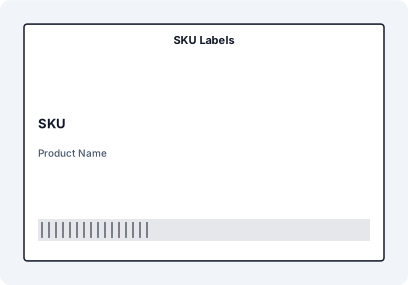
SKU Labels Template for Excel preview

SKU Labels Template for Excel

SKU Labels with matched XLSX sample data, mapped JSON fields, SVG preview, and print-ready dimensions.

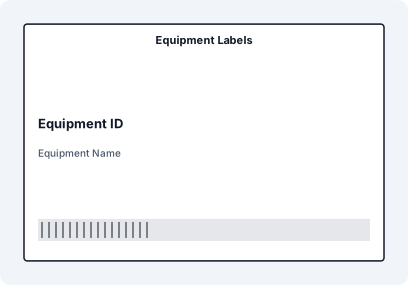
Equipment Labels Template for Excel preview

Equipment Labels Template for Excel

Equipment Labels with matched XLSX sample data, mapped JSON fields, SVG preview, and print-ready dimensions.

Inventory label data guide

Label job Useful data fields Code options Common format
SKU labels SKU, description, price, category, reorder point Code 128, UPC/EAN when applicable, QR for product record Shelf, product, or 76x50 mm label
Asset labels Asset ID, owner, department, service date, lookup URL DataMatrix for compact ID, QR for asset page Durable asset tag or small thermal label
Stock location labels Aisle, rack, shelf, bin, zone, pick face Code 128 location ID, QR for location record Shelf strip, 2x1, 3x1, or 76x50 mm
Audit labels Count ID, SKU, counted quantity, date, auditor Barcode for audit record or item ID Temporary thermal or sheet label

The inventory page now connects stock labels, asset labels, audit labels, and barcode/QR workflows. That helps it match more search intents without pretending they are all the same task.

Frequently asked questions

Can I print inventory labels from Excel?

Yes. Import an Excel file with SKU, item ID, description, quantity, location, or asset columns, then map those fields to a reusable inventory label template.

Can inventory labels include QR codes and barcodes?

Yes. A common layout uses a Code 128 barcode for the SKU or item ID and a QR code for a product page, reorder link, asset record, or inventory lookup.

Can I make asset labels too?

Yes. Asset labels can include asset ID, department, owner, service date, DataMatrix, QR code, and human-readable fallback text.

Is this useful for inventory audits?

Yes. Audit teams can print temporary count labels, correction labels, or relabeling batches from audit spreadsheets and keep the format consistent across locations.

What barcode type should I use for inventory labels?

Code 128 is a strong default for internal SKUs and location IDs. QR codes are useful for longer URLs or lookup records, while DataMatrix works well for compact asset or part identifiers.

Make your inventory scan-ready from the spreadsheet you already maintain.