This guide starts where the beginner tutorial ends
Use the complete Excel tutorial for a first end-to-end project. This page focuses on operational scale, quality assurance, controlled output and recovery when a larger run is interrupted.
Download the production batch example
Reuse the same sanitized XLSX and project JSON from the flagship tutorial to practice quantities, formulas, dynamic images and print setup.
Freeze and inspect the input file
Work from an approved copy of the workbook. Use one header row, stable column names and one logical record per row. Count source records and total requested labels before import.
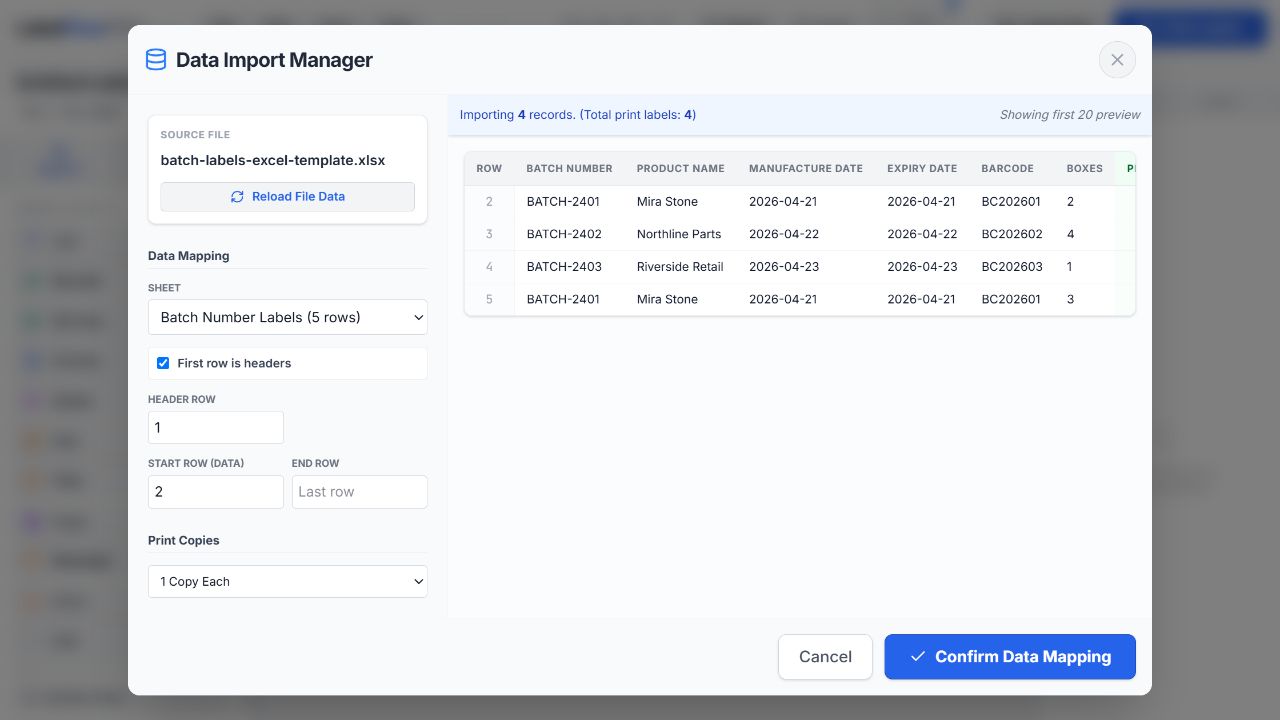
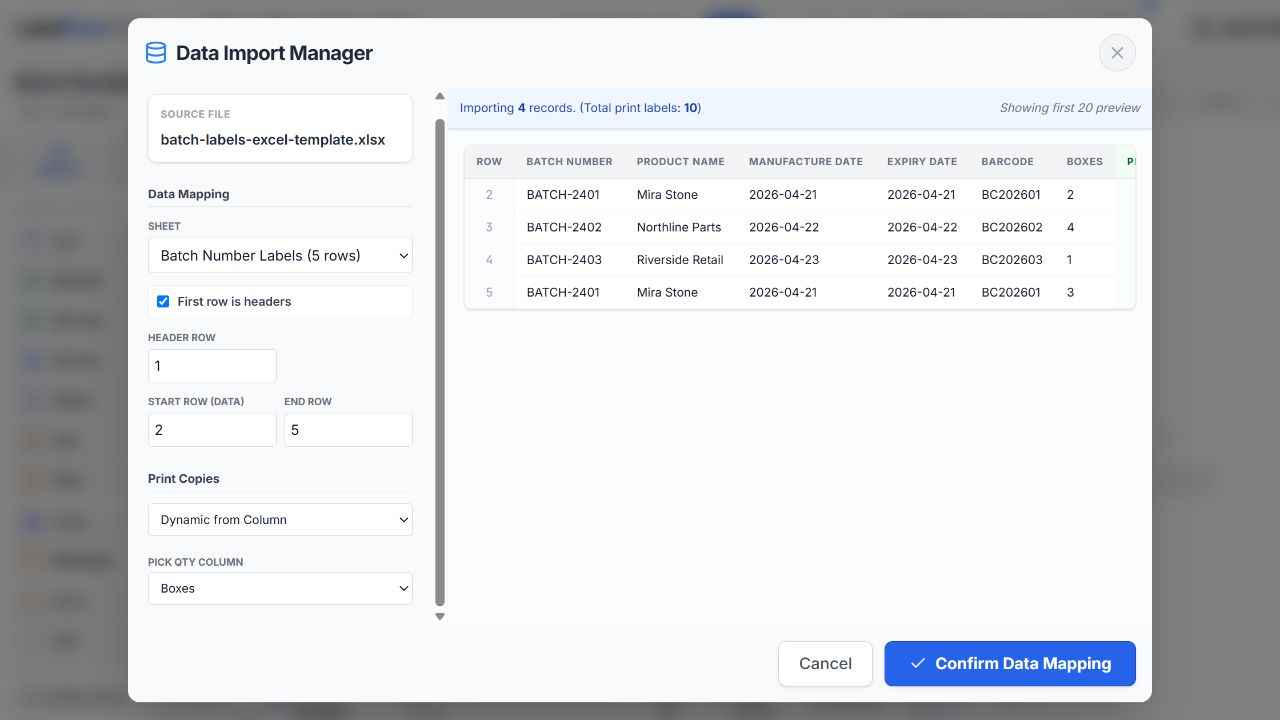
Map fields and control quantities
Bind each element to its source column. Use a fixed quantity for uniform runs or bind the print quantity to a numeric column when each record needs a different number of copies.
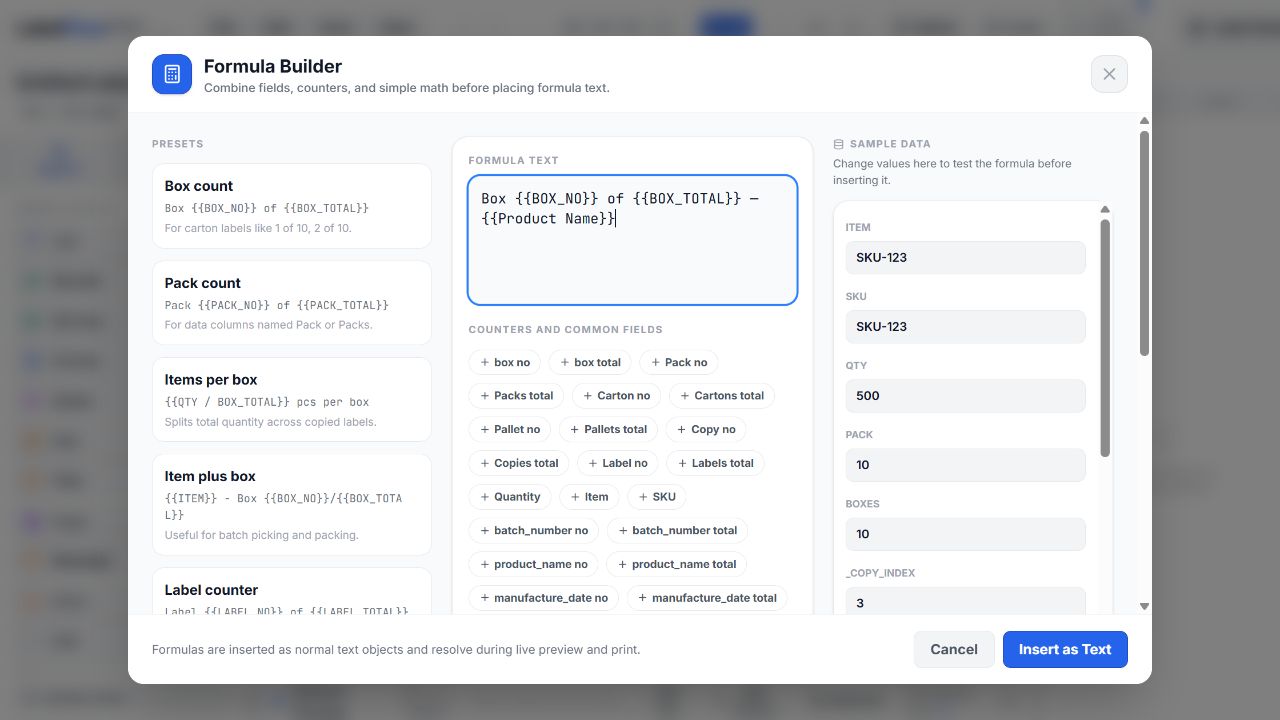
Build and verify production formulas
Use Formula Builder for multi-field text and packaging counters such as pack or carton numbering. Keep formulas visible in the saved project and test records with blank or unusually long values.
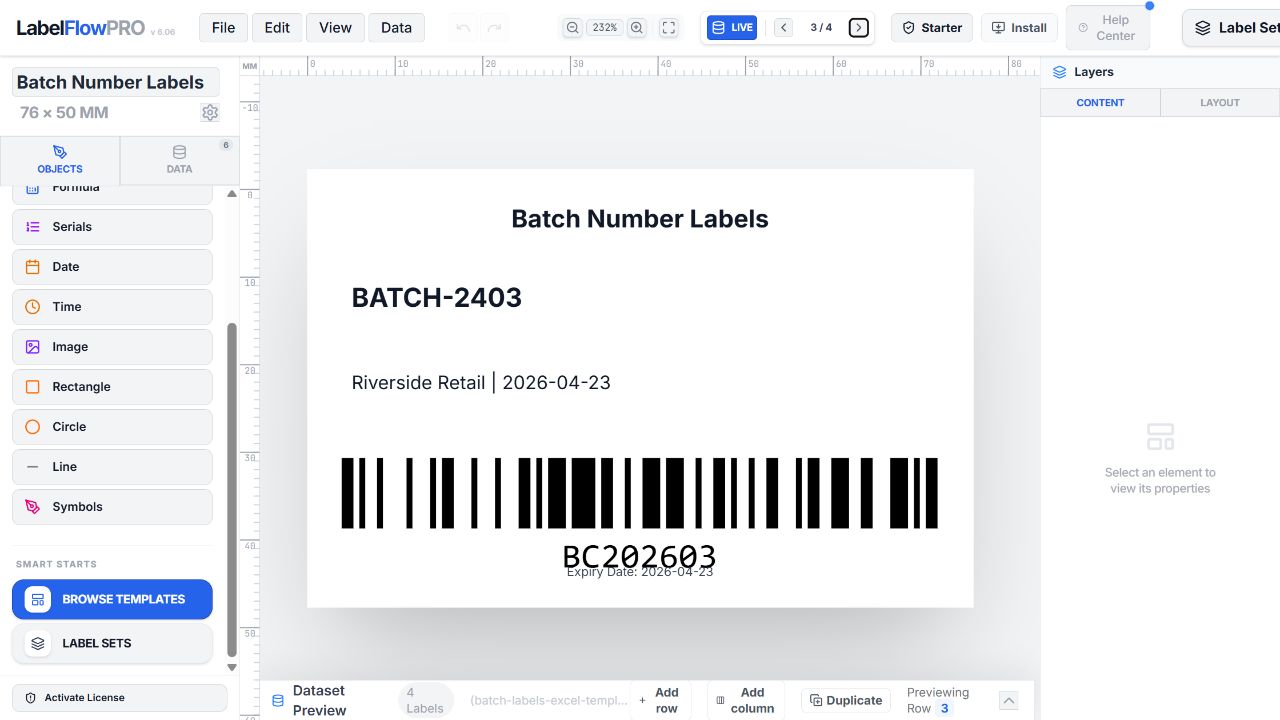
Preview difficult and boundary records
Inspect the first and last records, maximum-length text, missing images, highest quantities, and transitions between batches or products. Correct the source or design before generating output.
Choose staged output
For riskier runs, create a PDF or print a small range first. Confirm label count, order, sheet alignment or thermal calibration, and scanner readability before releasing the remainder.
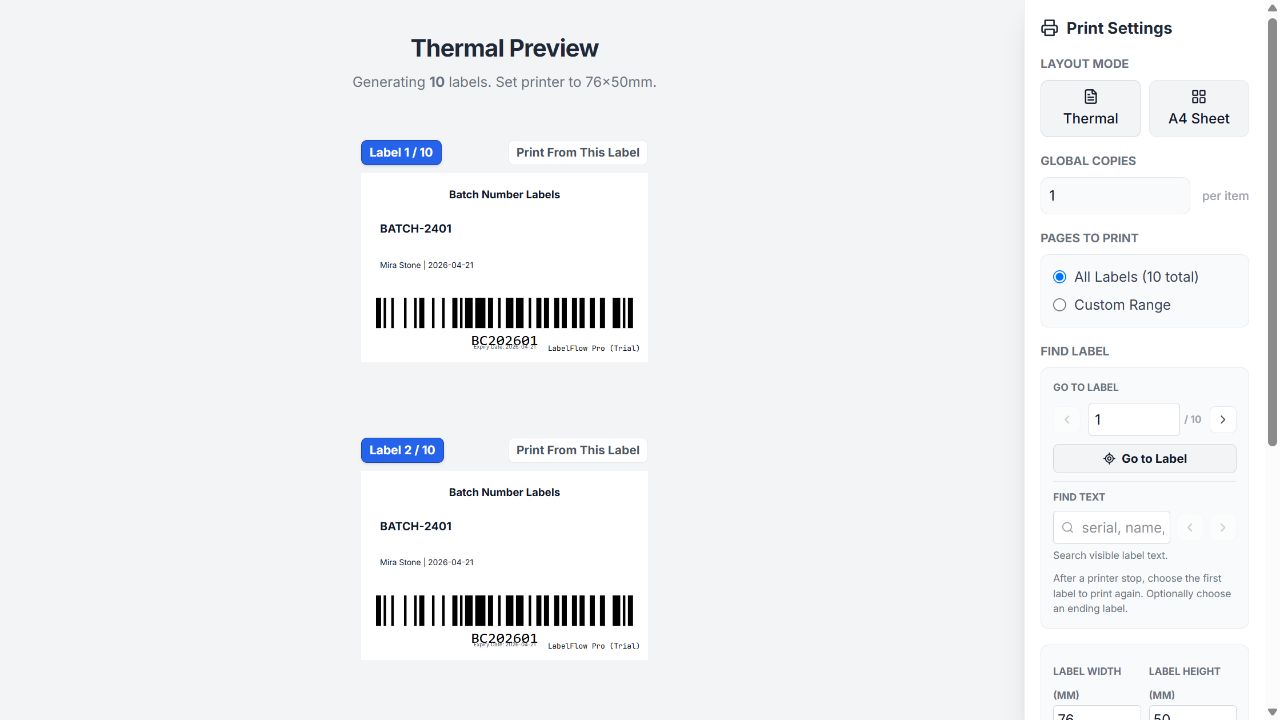
Record completion and recovery points
Keep the approved input file and saved project JSON together. If a run stops, identify the last verified record and serial or carton value, then preview a precise recovery range rather than restarting blindly.
Production checklist
- Approved input file is frozen
- Source-row and total-label counts are known
- Quantities and formulas are verified
- Edge cases were previewed
- A physical sample passed
- Recovery point and output range are documented
Troubleshooting
| Problem | What to check |
|---|---|
| Output count is larger than expected | Sum the QTY column and check whether a fixed quantity is also applied. |
| Rows appear in the wrong order | Sort and save the approved workbook before import; verify the first and last records. |
| Dynamic images are missing | Check that each image reference is accessible and preview rows with blank or unusual values. |
| A print run stops partway | Use the documented last verified record to create a controlled recovery range. |
Capability boundaries
What this workflow does
- Import CSV, XLS and XLSX and drive labels from spreadsheet rows.
- Use fixed or per-row quantities, multi-field formulas and dynamic images.
- Preview records and output to thermal printers, A4/Letter sheets or PDF.
What to plan outside it
- Browser printing depends on the installed printer driver and operating-system dialog.
- The free tier imports up to 10 rows; larger operational datasets require the appropriate plan.
- LabelFlow Pro is not a centralized approval, ERP/WMS or managed print-server platform.
Frequently asked questions
What makes a label job a bulk workflow?
The operational risk: many source rows, variable quantities, formulas or images, and a need for controlled QA and recovery.
How do I calculate the expected label count?
Count one label per row unless a fixed or bound QTY multiplies it; sum the final per-row quantities before printing.
Should I print the whole job at once?
For costly or complex runs, validate a sample or staged range first, then release the remaining output after QA.
Can I resume an interrupted run?
Yes, when you document the last verified record and generate a precise recovery range rather than repeating the whole batch.